Function List
An extensive lineup of functions
that deliver efficiency with precision in every detail.
Preparation

Master Data Settings
Create and manage master data for organizations, positions, employees, concurrent posts, and roles.Configuration information can also be exported and imported.
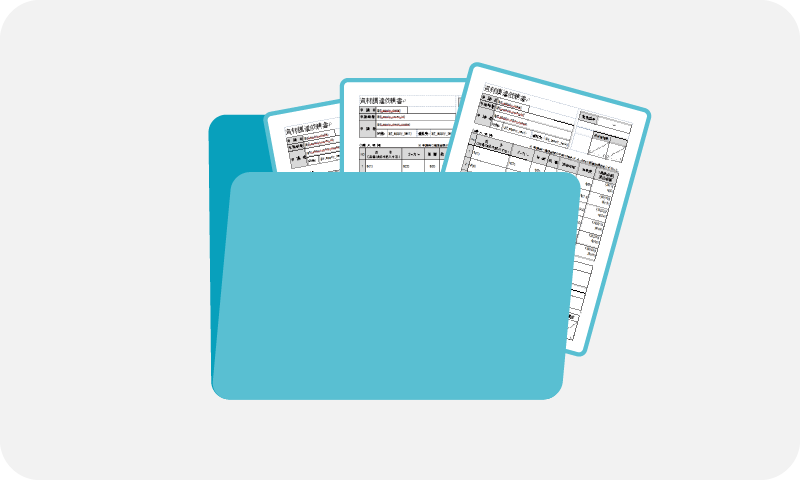
Document Settings
Configure and manage document categories and sharing settings. Configuration information can also be exported and imported.

Form Settings
Create and manage forms (input templates) without coding. Configuration information can also be exported and imported.
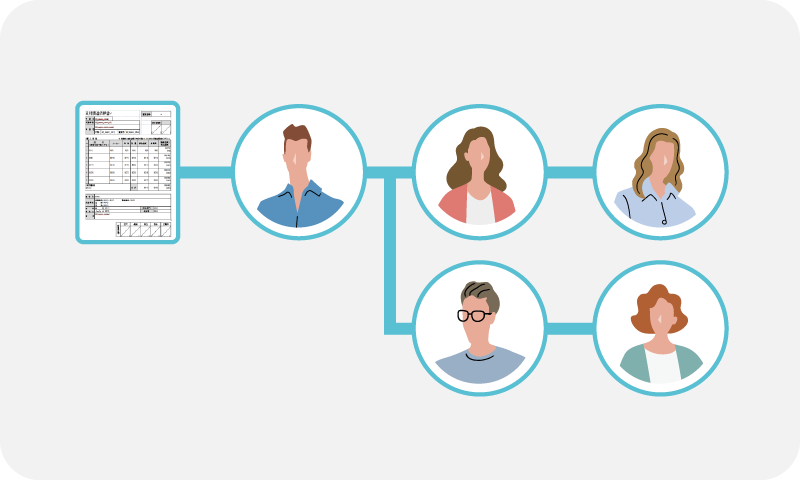
Workflow Settings
Configure and manage approval workflows without coding.Configuration information can also be exported and imported.
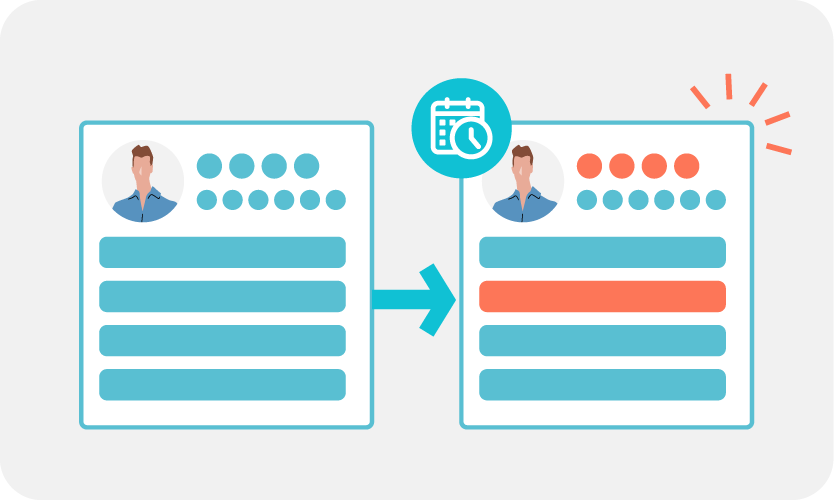
Master Data Change Reservation
Schedule organizational changes, onboarding/offboarding, and personnel transfers in advance.

Settings Content Check
Run a system check to identify whether changes to master data may cause issues in workflows or other settings.

Administrator Settings
Designate administrators for overall settings and for each department as needed.
Creation / Application
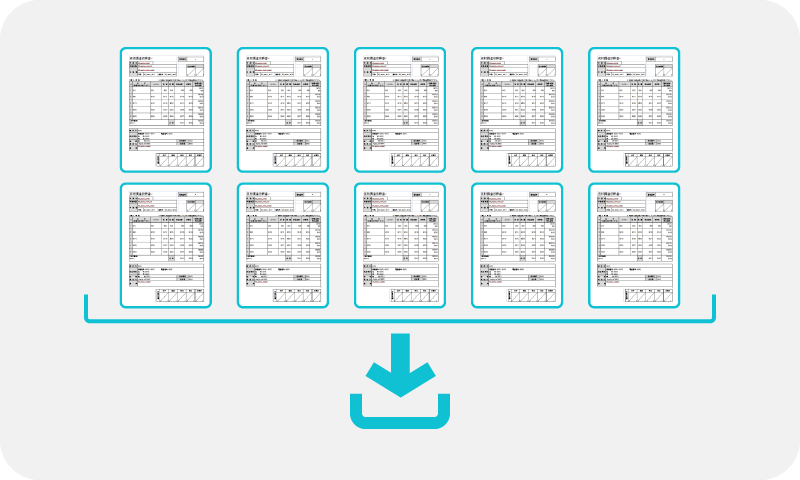
Batch Creation
Create multiple application forms at once for each document category.

Extensive Input Assistance and Controls
To reduce input errors, the system offers features such as automatic calculations, file attachments, and required field settings.
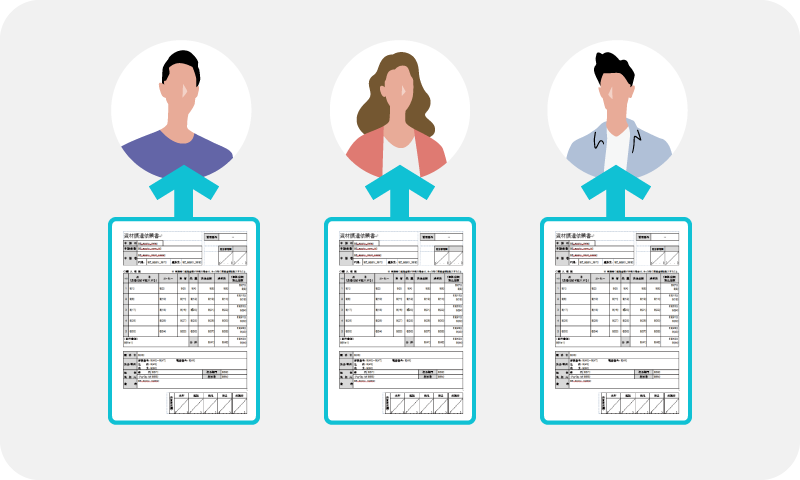
Proxy Application
You can submit an application on behalf of another user.

Approver Selection
Select the approver when submitting an application for approval.

Duplication
You can duplicate an existing application form.
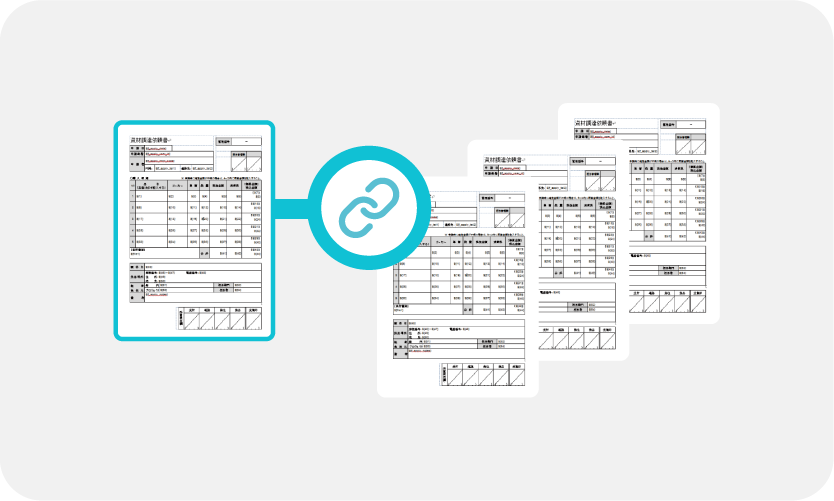
Application Form Linking
Manage application forms by linking them with other forms to automatically carry over field information.
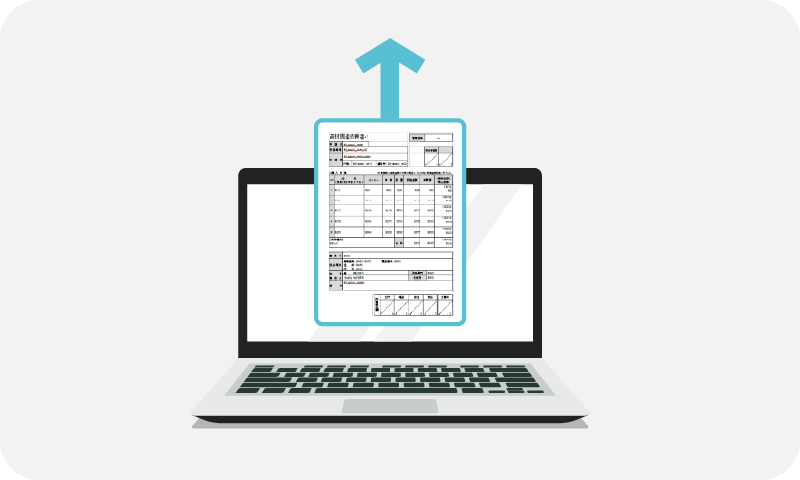
Save Draft
Temporarily save an application form without submitting it.
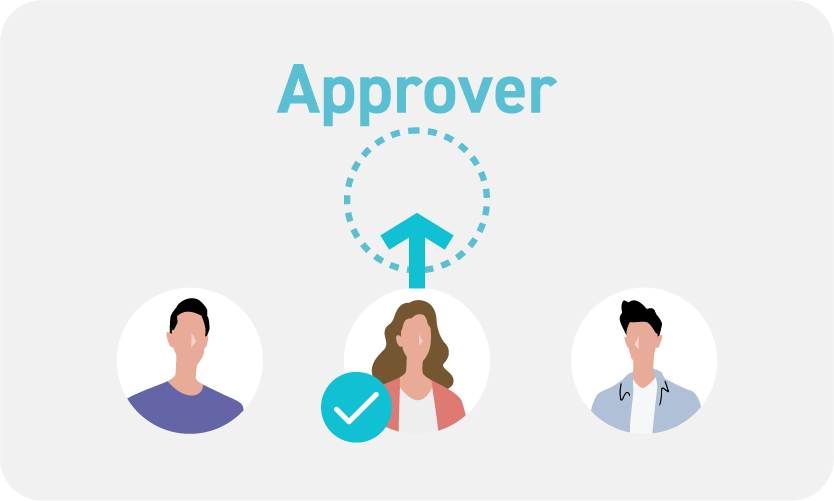
Automatic Selection of Approver
Automatically assign an approver based on the applicant’s information.
Approval
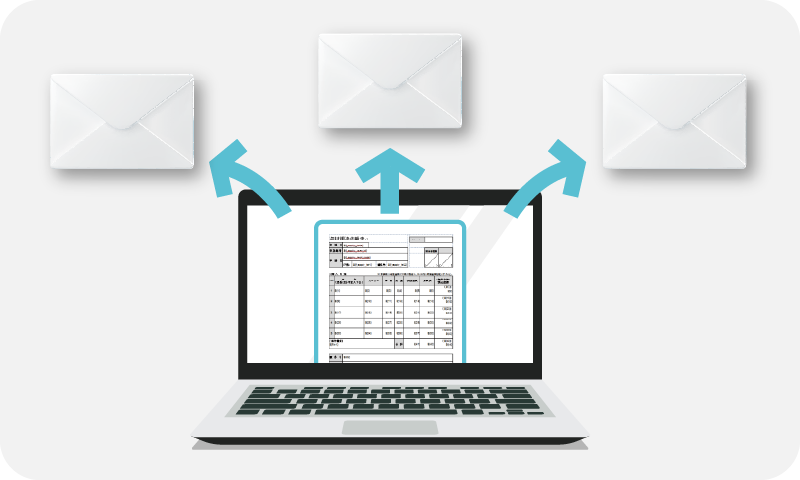
Comment Alert
Send alerts when an application is submitted, approved, or rejected. You can also add comments separately from the application content.
Flexible Approval Rule Settings
Flexibly define approval authority and conditions at each stage, based on the application content.
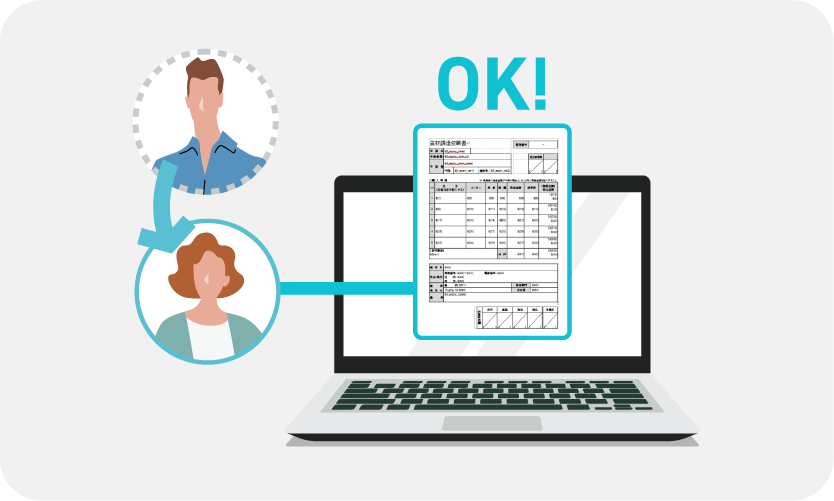
Proxy Approval
Designate a proxy approver when the primary approver is on extended leave or unavailable.
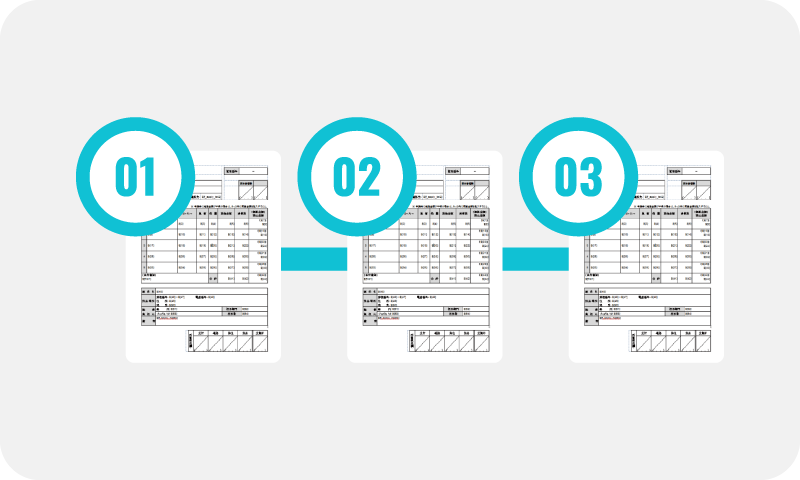
Conditional Branching
Automatically determine the approval route based on the application content.
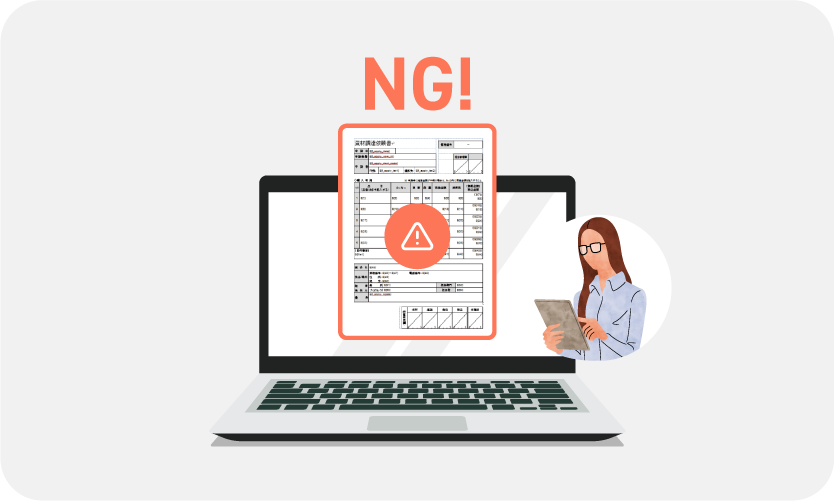
Skip Self-Approval
Disable self-approval to prevent users from approving their own applications.

Circulation
Request reviews or share information with users who are not approvers.
Search & Viewing
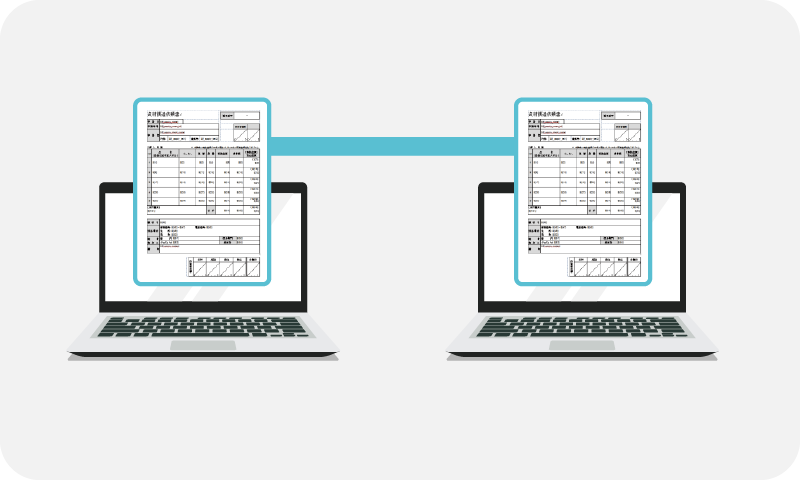
Flexible Viewing Authority
For each document, you can flexibly grant viewing permissions not only to applicants, approvers, and circulators, but also based on organization, position, or role.
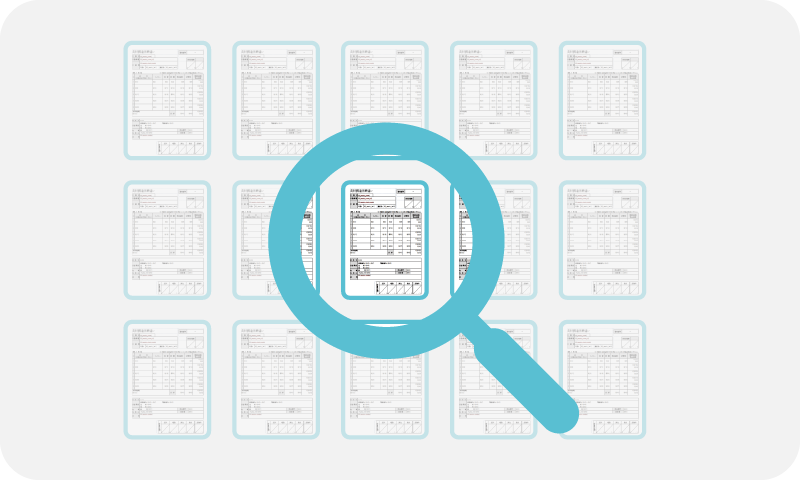
Search
In addition to basic fields such as application date, applicant, and subject, you can quickly search using other application criteria.
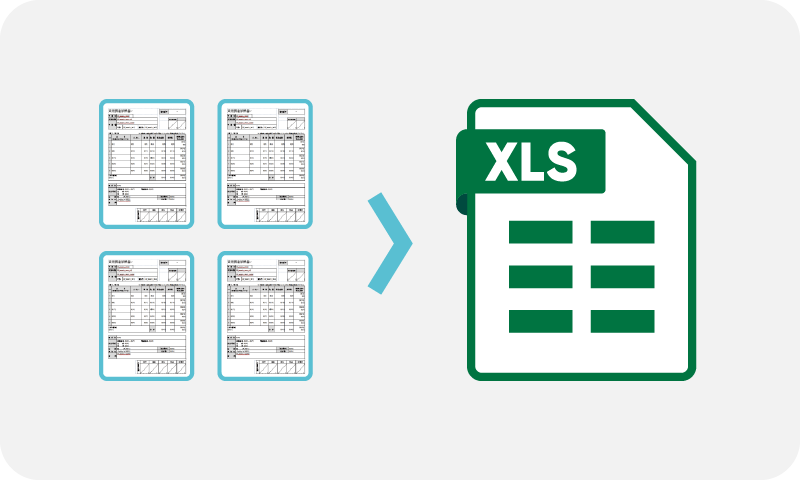
Output to Excel/CSV
Export a list of application data in Excel or CSV format.
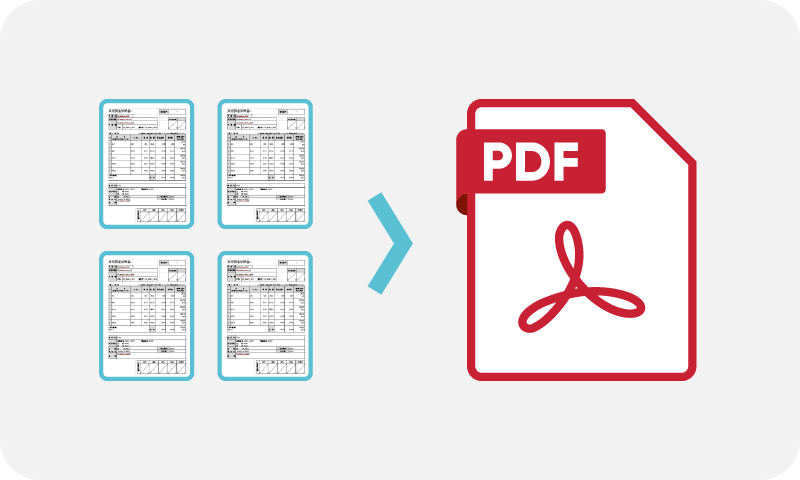
Output PDF
Export the application, including attachments, as a PDF file.
Reminders

List of Pending Items
View your tasks and the number of pending items at a glance, including those in draft, submitted, awaiting approval, or awaiting circulation.
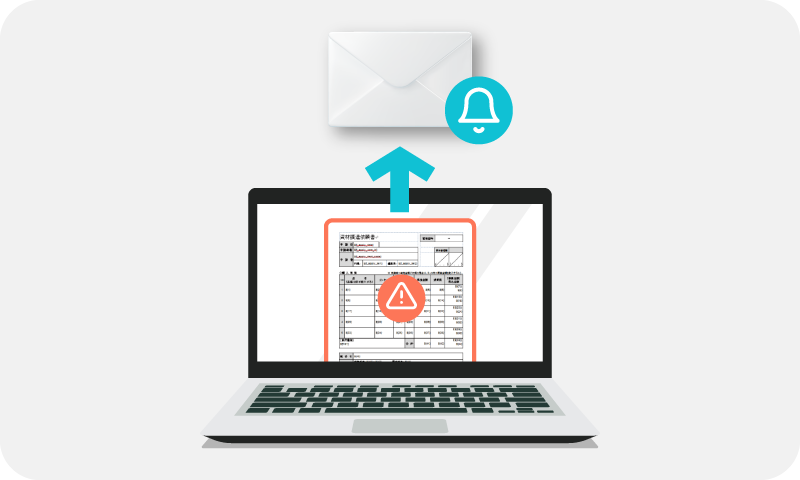
Overdue Alert
Automatically notify the person responsible for overdue approvals or required resubmissions.
Linkage Function
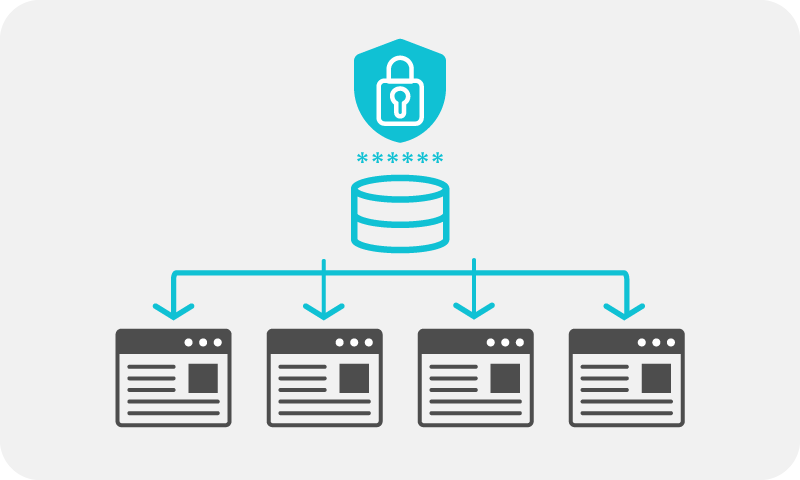
Single Sign-On Linkage
Integrate with various groupware systems via SSO.
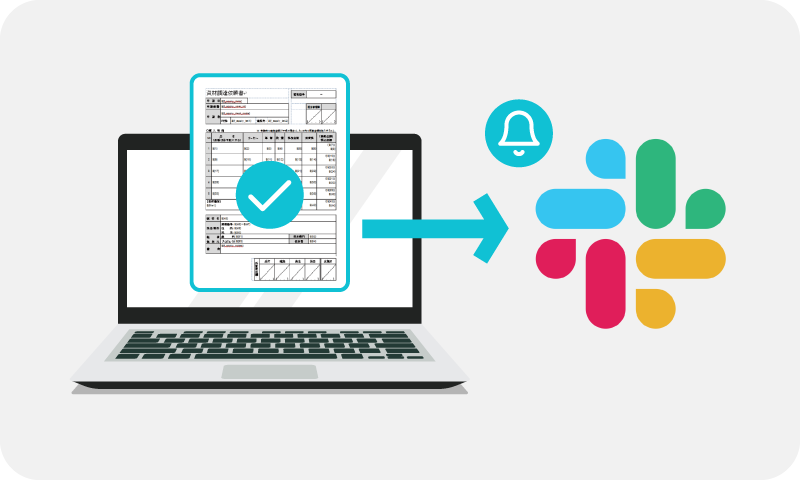
Slack
Send notifications to Slack for approval requests and other updates in the approval flow.
Chatwork
Send notifications to Chatwork for approval requests and other updates in the approval flow.
Microsoft Teams
Send notifications toMicrosoft Teams for approval requests and other updates in the approval flow.
CloudSign
Automatically send approved application data to CloudSign.
GMO Sign
Automatically send approved application data to GMO Sign.
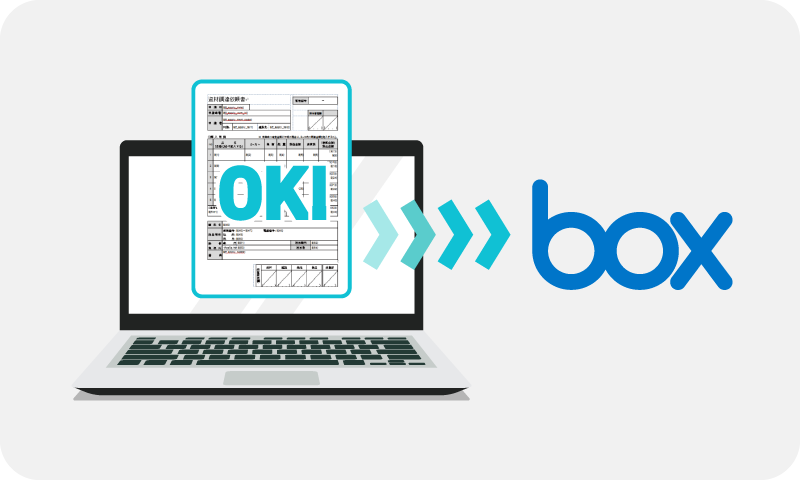
Box
Automatically save approved application data to Box.
Web API
Connect various systems and data types through APIs.
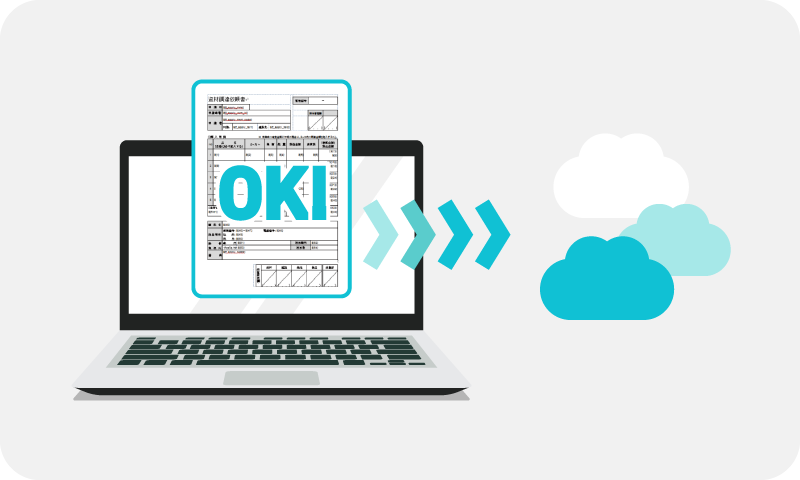
Webhook
Automatically send application form data upon submission or approval.

Personnel Information Linkage
Link organization and employee information with Azure AD and Google Workspace.
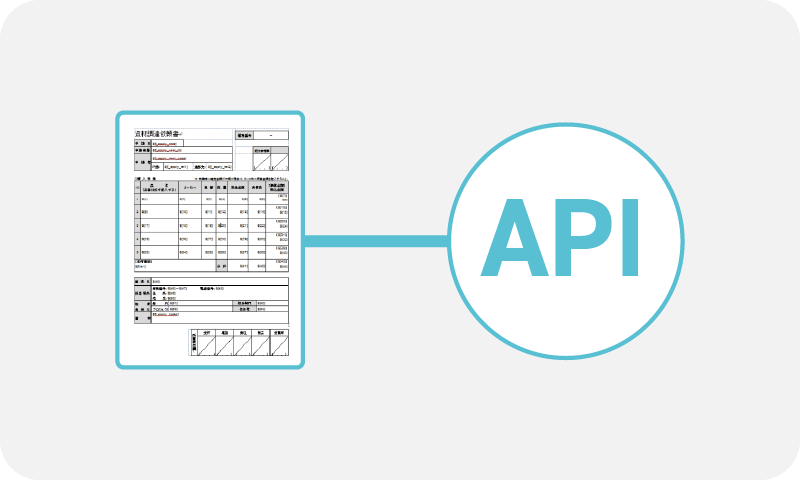
API Linkage
Integrate master data and application form data through Web APIs.
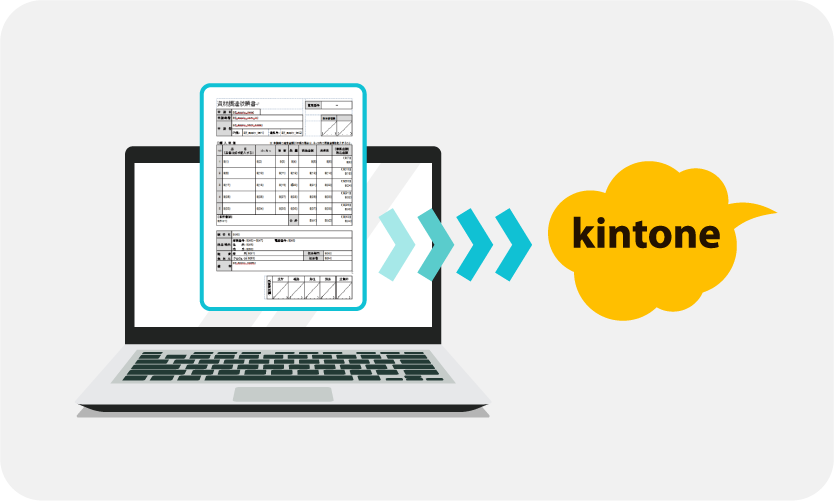
kintone
Integrate data registered in various systems with kintone.
Cloud-based system for workflow efficiency

-
Discover practical methods to improve your workflow
-
Try all features